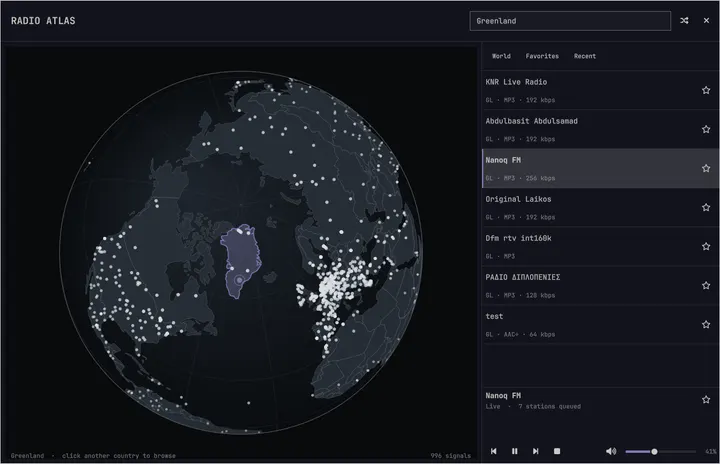
Radio Atlas
48starsExplore live radio on a rotatable globe and play stations through Omarchy's media controls.
Akshar Patel - Widgets
The malleable OS for the age of agents.Vibe your way through every alteration, tweak, or trouble.
Linux used to be a chore to setup, difficult to debug, and full of confusing upfront choices. Omarchy solves all of it with a lightning fast installation, agents that debug all issues, and fantastic defaults that give you a fully functioning system that looks amazing out of the box.
Oma is for omakase, chef's choice: the chef picks the courses, but you are always free to send anything back. Omarchy lets you take an exquisite baseline and then make it your own.
It's not perfect... yet. But we can fix everything now.
Experience a transfer of enthusiasm.
Be up and running in as little as 35 seconds on the fastest machines, and in less than two minutes on the majority of computers.
Write the ISO to a USB stick and answer five questions. It hands back a finished desktop.
Under a minute from stick to desktop. Verify the file: SHA-256, signature.
All of Omarchy running in a virtual machine, so you can get a taste first.
Apple Silicon Macs, Windows 10 and 11.On Linux, the ISO is the way in.
The manual also covers dual booting beside Windows and unattended installs.
You don't need a new machine to try Omarchy. But if you get one, today's laptops are amazing.
Ready for something new? Laptops like the latest Dell XPS make amazing Omarchy machines, with our core team helping the newest hardware work properly.
Meet the team behind itGive that old Intel Mac a second life. Omarchy brings a fresh desktop to the hardware you already love.
Mac supportEven a 2011 ThinkPad X220 with 2GB of RAM can run Omarchy, with room to spare. Your old PC might have plenty left to give.
Watch the potato runThousands of community plugins are available for Omarchy. Don't find what you need? Just put your agent on the job, then share when done.
Explore live radio on a rotatable globe and play stations through Omarchy's media controls.
Akshar Patel - Widgets
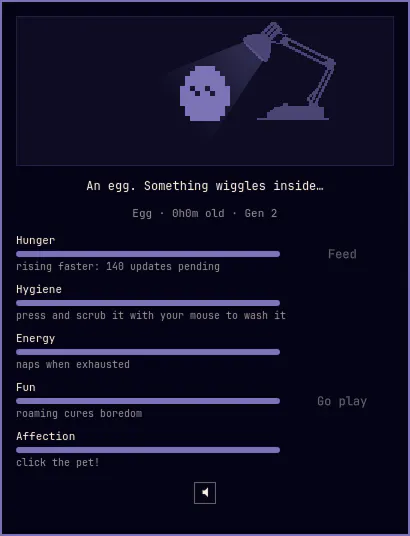
A 1-bit desktop pet in your bar, in the spirit of the 1997 originals: feed it, scrub it clean, cuddle it, and let it out to roam your screen and climb your windows. It hatches, grows, and evolves with the care you give.
SLcode777 - Other
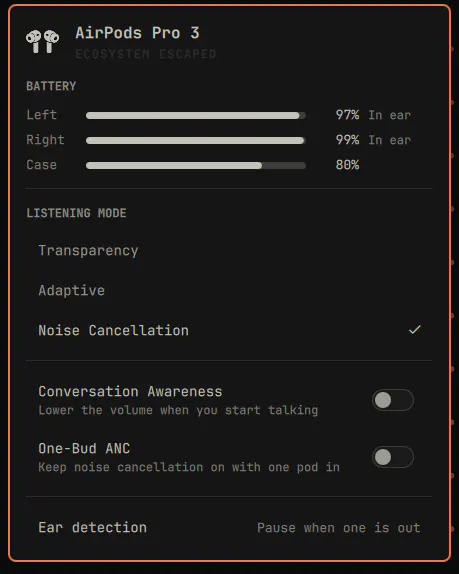
AirPods in the Omarchy bar: per-pod and case battery, listening mode, adaptive noise level, conversation awareness, one-bud ANC and ear detection.
GM - Hardware
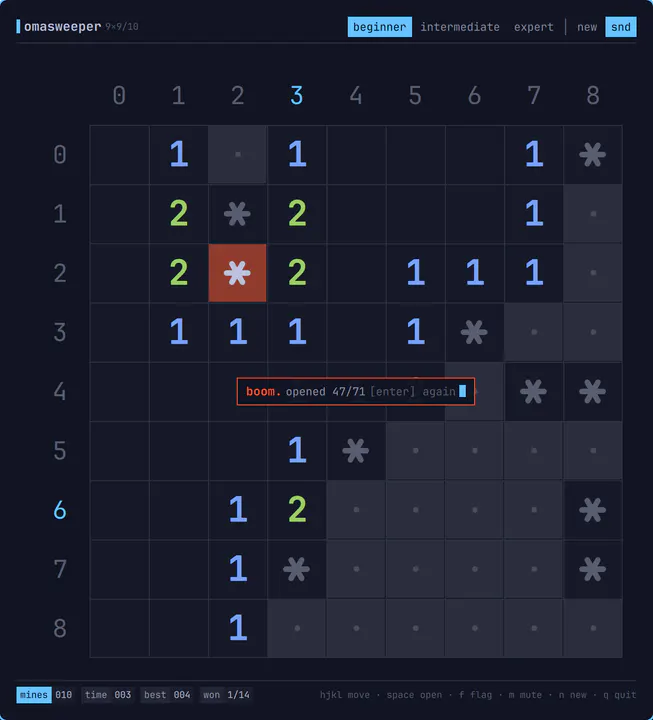
Minesweeper for omarchy-shell, drawn like a TUI: a character grid on hairlines, base-36 gutter labels, ANSI numbers and a status bar. Opens as an ordinary tiled window, plays entirely from the keyboard with vim motions, makes 8-bit noises, and unloads again when you close it. Summon with: omarchy-sh
Jankees - Widgets
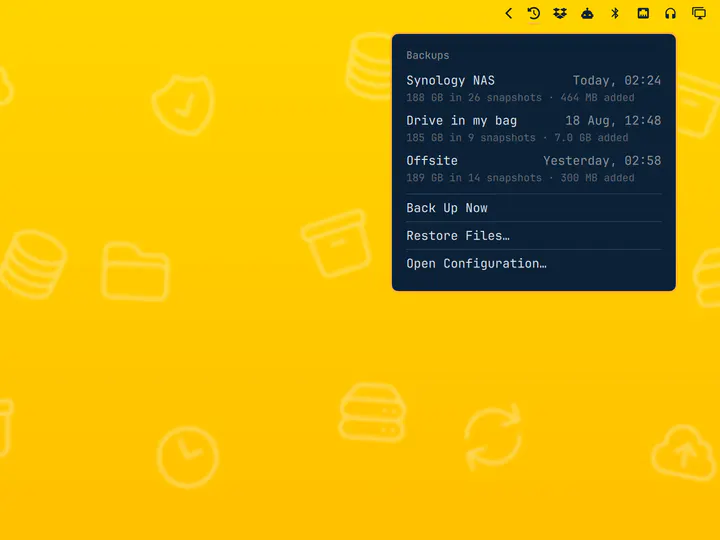
Scheduled restic backups with a destination picker and a snapshot browser
Jankees - System
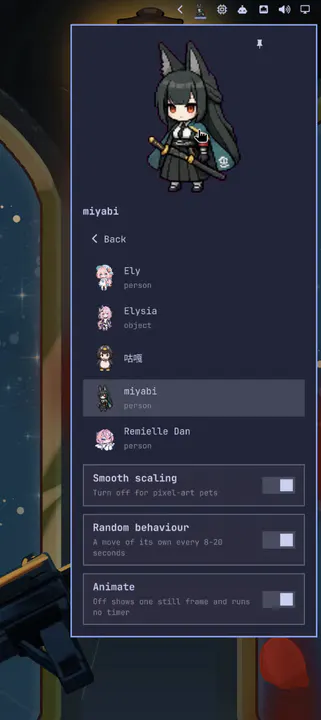
An animated Codex Pets companion in the bar: it plays its own moves on a random schedule, looks at your cursor, and can be pinned to the desktop.
Raiden-MeixElysia - Widgets
Your agent should feel at home on your computer. Omarchy gives it the tools and skills to help you understand, fix, and shape the whole system.
On first boot, Omarchy invites you to set up a default agent. Pick your favorite, sign in, and put it to work on your computer.
When an app crashes, click the notification to send your agent on the case. It can examine the crash dump, diagnose what went wrong, and help report the bug.
Omarchy ships with skills to help your agent make apps, plugins, and themes. Describe what you want, try what it builds, and share it with everyone.
A theme restyles the whole system at once: terminal, bar, notifications, wallpaper. Pick one and this site wears it too. Or press T to flip through them.
The tools you know, set up to work together. Bring your projects, choose your favorites, and get straight to building.
Neovim is the default, with VSCode, Cursor, Zed, Sublime Text, Helix, Vim, and Emacs ready to install. Pick your favorite and make it the system-wide default.
Choose your editorInstall Ruby on Rails, Laravel, Node.js, and a long list of other development environments from the Omarchy menu. Mise handles language versions, so each project can use what it needs.
Set up your stackFoot is the fast, lightweight default. Prefer Alacritty, Ghostty, or Kitty? All four are integrated, and switching your default keeps the same keyboard shortcuts working.
Pick your terminalAlso available: Herdr, Tmux, Docker, Lazygit, and the best shell tools.
Omarchy comes ready for Steam, RetroArch, and a whole world of gaming. Graphics drivers and configuration, including NVIDIA on supported hardware, are sorted during installation.
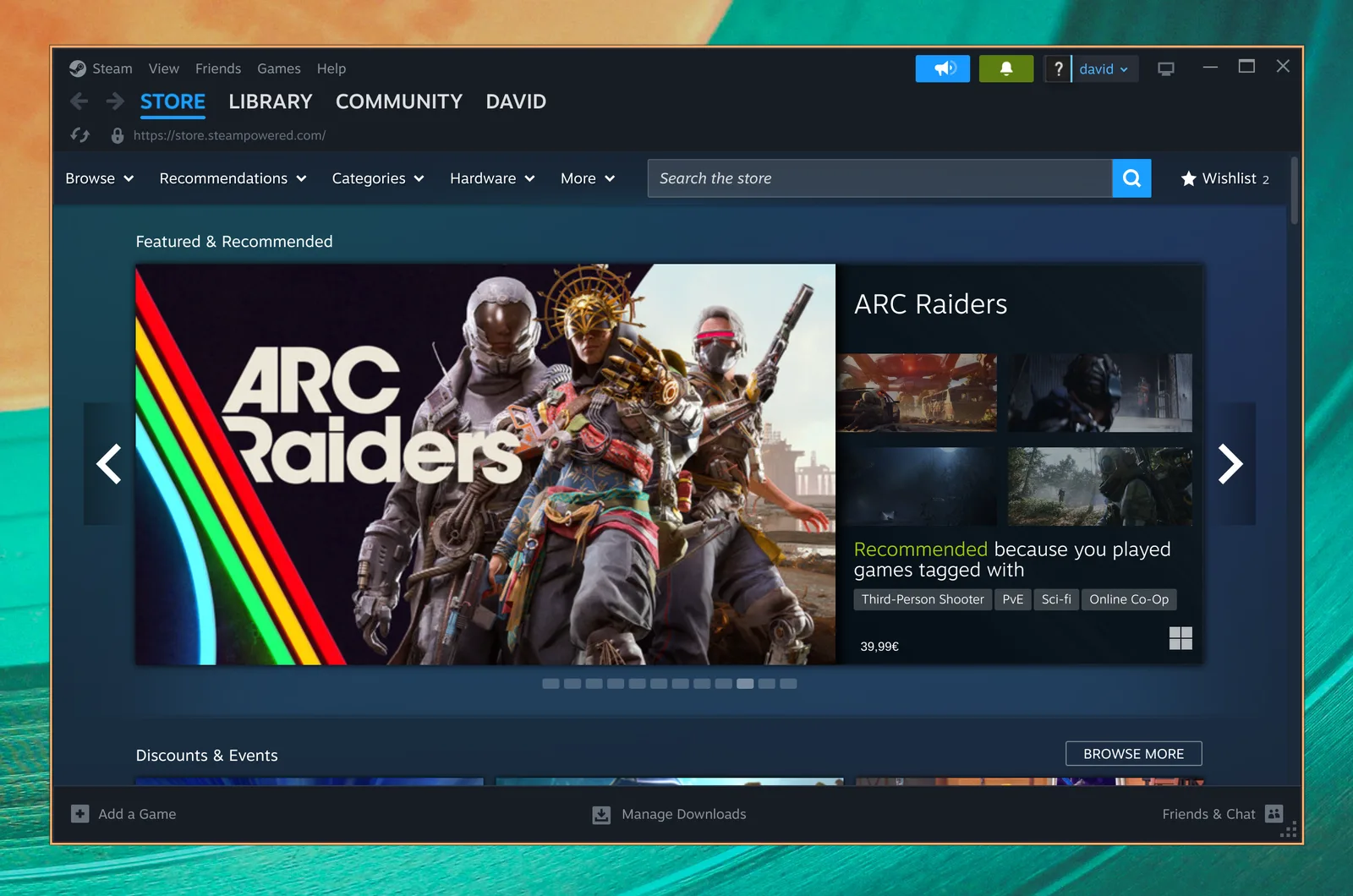
Your PC gaming library, right at home on Linux. Steam and Proton bring a huge world of modern games to Omarchy.

Revisit the classics with a full set of emulator cores and the beautiful CRT Royale shader, already configured for that retro look.
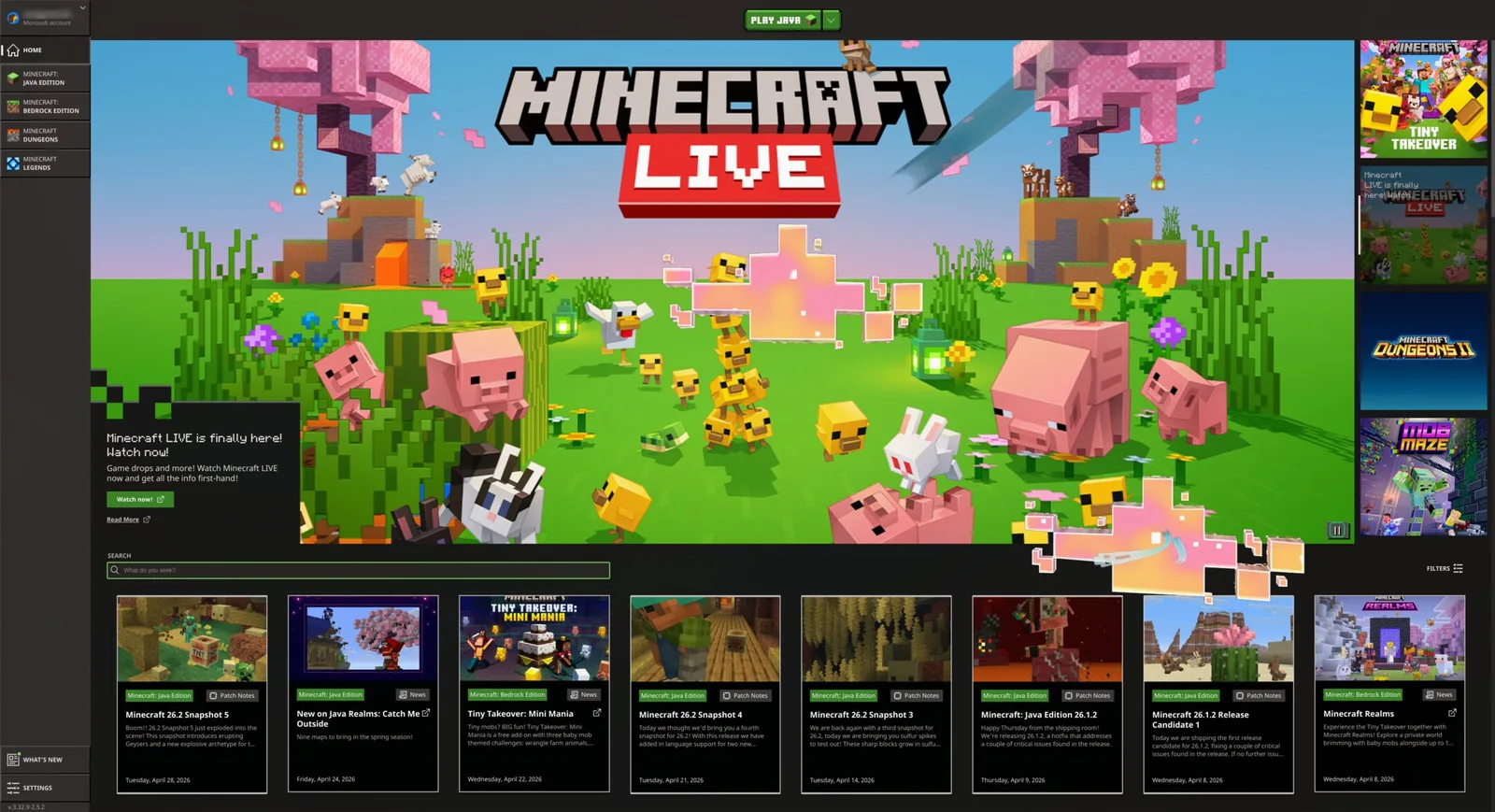
Build, explore, and make a world of your own. Install Minecraft straight from the Omarchy gaming menu and let your imagination run.
Also available: Battle.net, Lutris, Heroic, Moonlight, GeForce NOW, and Xbox Cloud Gaming.
Keep the Windows apps you need, right inside Omarchy. Our Windows 11 VM setup makes room for native Microsoft Office and the other programs you can't leave behind.
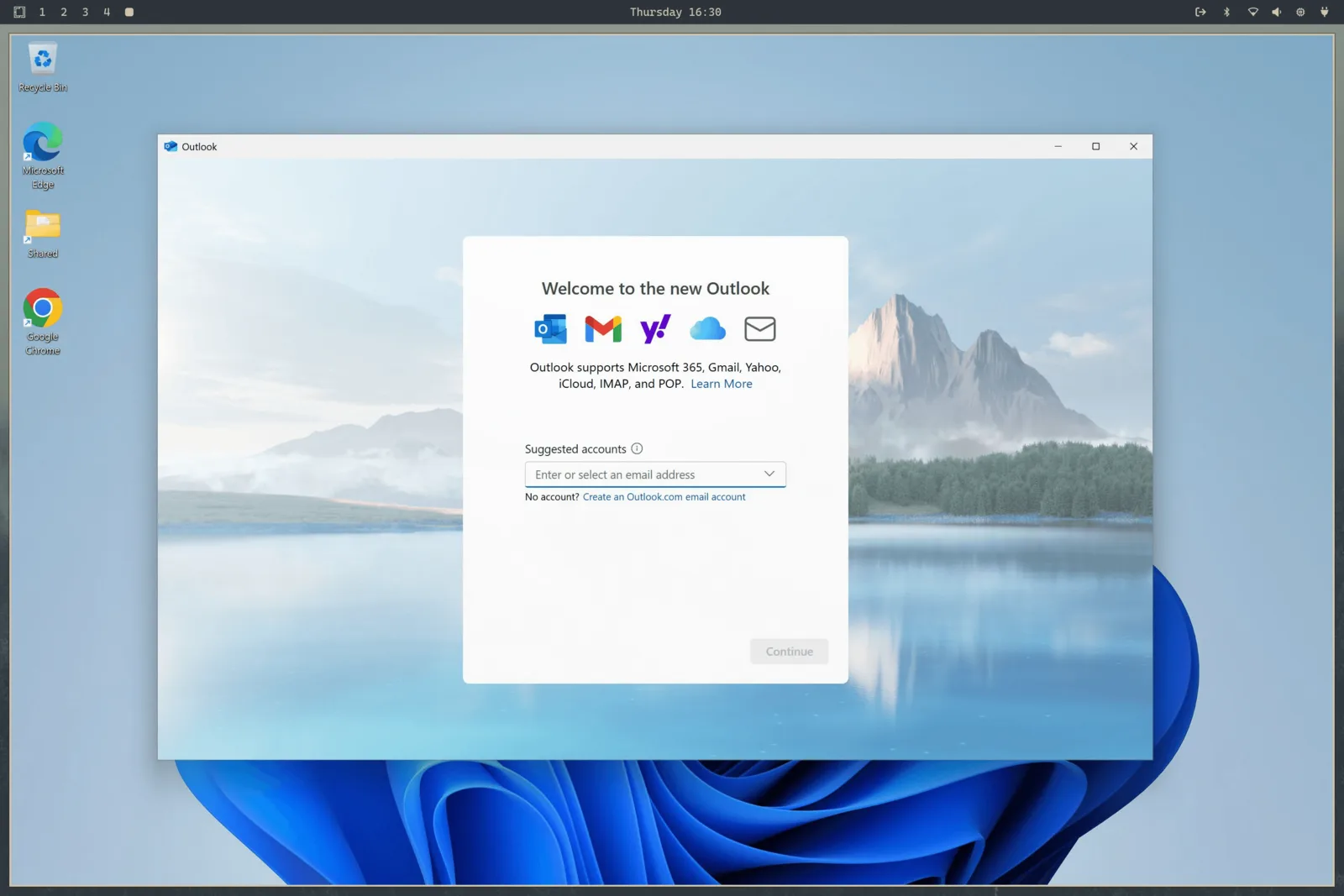
Choose Install > Windows from the Omarchy menu. Hardware virtualization brings near-native CPU performance for Office and everyday work, with a shared clipboard and a folder for moving files between Windows and Linux.
Bring a Windows 11 Pro license valid for a VM. Run omarchy windows key to retrieve your machine's original key (this only works on Pro, not Home licenses).
This setup has no GPU acceleration or passthrough. It's a great home for documents, spreadsheets, and Windows-only work apps, but isn't intended for gaming or demanding graphics work.
Donations, downloads, and contributions. Momentum is based on all of it.
| Yesterday | 9,158 |
|---|---|
| Last week | 75,071 |
| Last month | 242,851 |
What people posted on X after installing it.
Posts are shown in their original language.
 Alex Finn@AlexFinn · Aug 28
If you use AI, you need to switch to Omarchy immediatelyIt is an AI first, open source operating system by @dhh and it has skyrocketed my productivityIn this video I cover how to use it, how to install it, and why I'm having more fun using computers than I ever have before:

 Ojisan Kaichou@OjisanKaichou · Aug 28
After 3 days I am confident in saying that Omarchy Quattro is the absolute best operating system I have ever used, hands down. Better than MacOS. Better than Ubuntu. Way better than Windows. I never knew how much I wanted a tiling window manager until now. I never knew how slow everything else is until now. I didn't know that computing could be as easy and enjoyable today as it was back in the Commodore 64 era. It strikes the perfect balance between "it just works" and "it works if you put in the effort." MacOS is the former, other Linux distros are the latter. The AI integration with Omarchy makes it easy to customize and fix any problems along the way with minimum friction and frustration. Doing everything with keyboard commands takes me back to the Windows 3 era when Windows was fun and not an evil overlord.But I do know that I have only scratched the surface of what Omarchy has to offer. The future looks bright!

 Simon Høiberg@SimonHoiberg · Sep 1
I'm officially installing Omarchy everywhere. This OS is just so good and it just doesn't stop growing on me 🤌Please create Omarchy Android, @dhh. I want to go all-in!
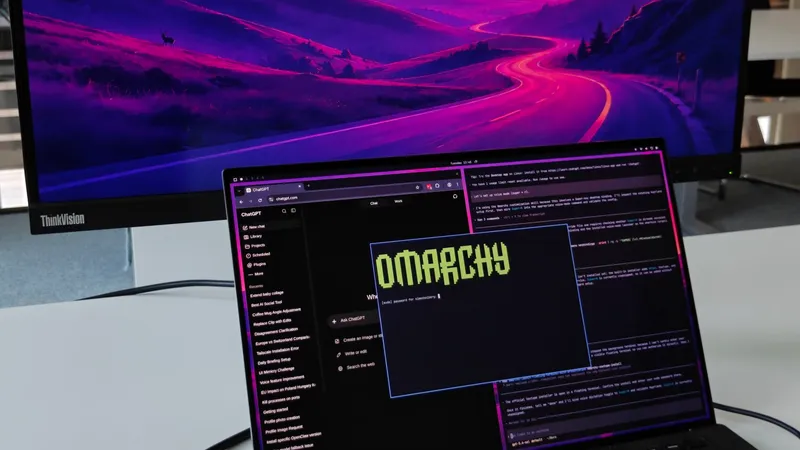
 Greg Gauthier@gmgauthier1967 · Aug 30
I will say this much about Omarchy: I haven't seen this kind of popular energy around an OPERATING SYSTEM, since Windows 95. This definitely has that "Where Do You Want To Go, Today?" feel to it. https://www.youtube.com/watch?v=wRdl1BjTG7c
 Hybrid 🏃🏾@markfenner · Aug 21
I’ve been running Ubuntu on my second machine for over a decade.After seeing another breakdown of Omarchy, this time from @NetworkChuck, I’m fully making the switch today.He changed the entire desktop theme in seconds, used an AI agent to build a Quickshell plugin, handed a crashed process to the agent for diagnosis, ran games through Proton, and launched a Windows VM when Linux wasn’t enough.Omarchy isn’t just Arch with a nice desktop.It starts with Arch, Hyprland, Quickshell, and a keyboard-first workflow, then gives you an environment you can continue reshaping around how you work (the linux boys calls this ricing).The operating system can become another surface your agents can help you modify.Ubuntu had a great run.Omarchy loading…

 Janis Ozolins@OzolinsJanis · Aug 28
I'm enjoying the last dance with Mac OS. It's been beautiful 15+ years. But I can't resist this passion and energy around Omarchy. I've never seen myself running Linux, as a non-dev, but times have changed.As a vibe-coding fanatic for the past year, it’s a no-brainer to switch to an OS where agents are first-class citizens and where customizing the OS is natural, unlike in Mac where it’s a bit of an uphill battle.
 typecraft@typecraft_dev · Aug 29
FWIW no one paid me to make a video about omarchy. I actually love it

 IroncladDev@IroncladDev · Sep 4
Omarchy unintentionally gave birth to a new design system that doesn't just follow the standardized UI patterns on mainstream operating systems, and it's beautiful
 Lars Jansen@oldstackjournal · Sep 1
I finally looked into Omarchy and I can see why dev twitter is suddenly obsessed with it.It’s basically Arch with somebody else making all the hard/endless decisions for you.Hyprland. Terminal first. Keyboard driven. Neovim. Plain config files. Very little “click through six settings panels and hope for the best”This style of OS makes a lot of sense now with ai. An agent can read the config, edit the config, install the package , restart he service, inspect the logs and change the workflow.Which is weird because the future of ai computing might end up looking a lot like the old way of using computers: files, terminals, scripts, text and a machine you can actually understand.
 Karl Løland@etroll · Sep 1
Using Omarchy for a week now, and needed the ability to mirror my screen to and AppleTV at the office (and home) for some presentation. Within ~30 mins, a plugin that can mirror screen and windows from Omarchy was created. The malleable computer from @dhh is the future happening in front of our eyes.https://github.com/ETroll/omarchy-airplay
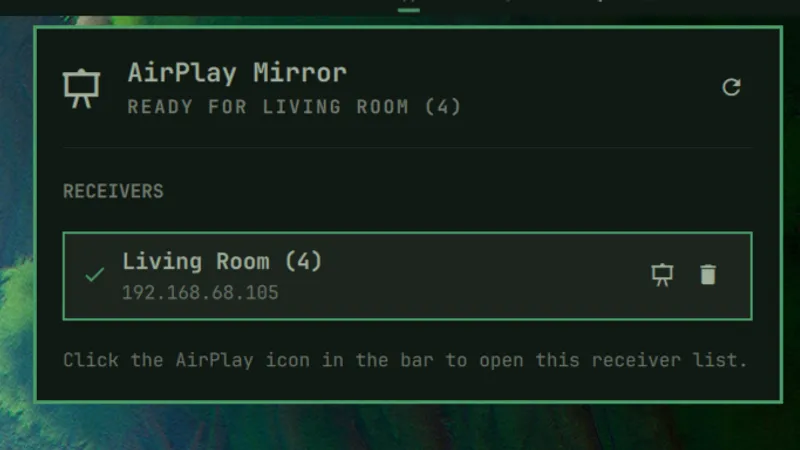
 Anush Elangovan@AnushElangovan · Sep 5
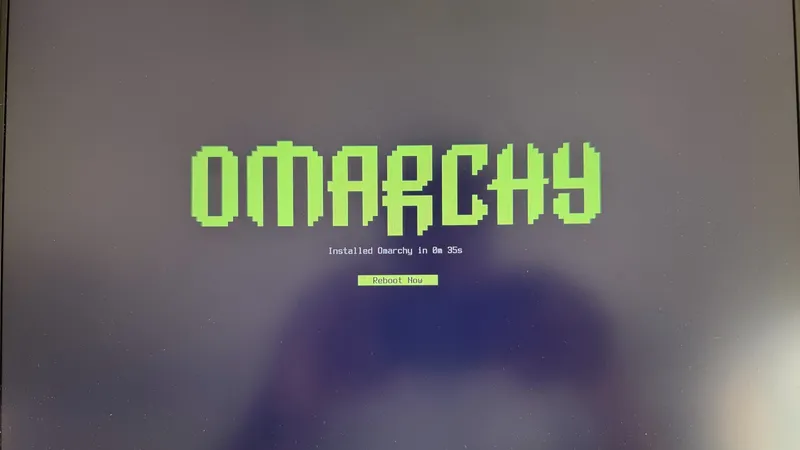
35s Omarchy install on my Halo laptop. Great work @dhh . This is now my daily driver. Still getting used to the short cuts but the best Linux desktop to date (close to my custom Gentoo build that ofcourse took a few weeks to dial in😝)
 Micah Bias@bias_micah · Aug 30
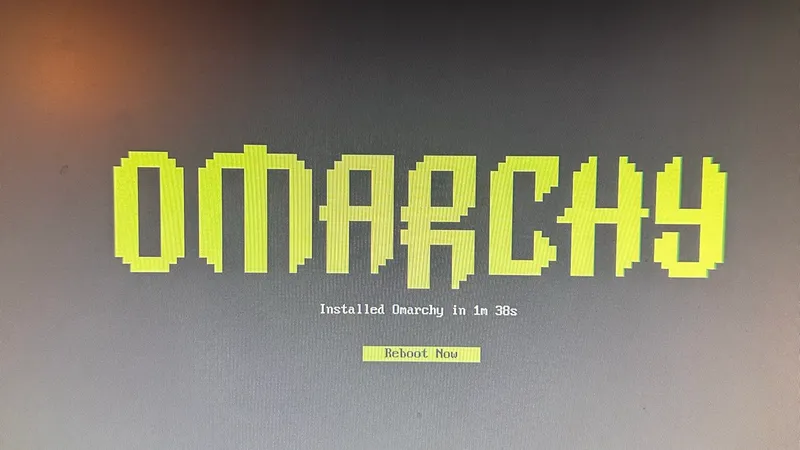
Installed Omarchy. I don’t think I’m going back to windows for my personal daily driver. About an hour getting used to the tile navigation, and I’m hooked. So far, everything I’ve needed to install has been a few keystrokes away, and it all just works. This is wonderful.
 Fredi Machado@fredimachado · Sep 6
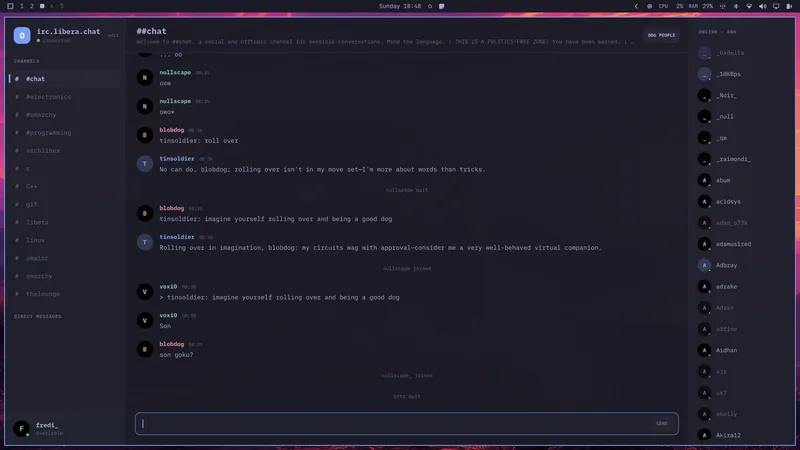
I'm having so much fun with Omarchy. I'm having that sense of childlike wonder with this thing. I love it! I even built a dead-simple IRC client (Omairc) for it, because why not? Thanks @dhh !! #omarchy
 Dmitrii Kovanikov@ChShersh · Sep 6
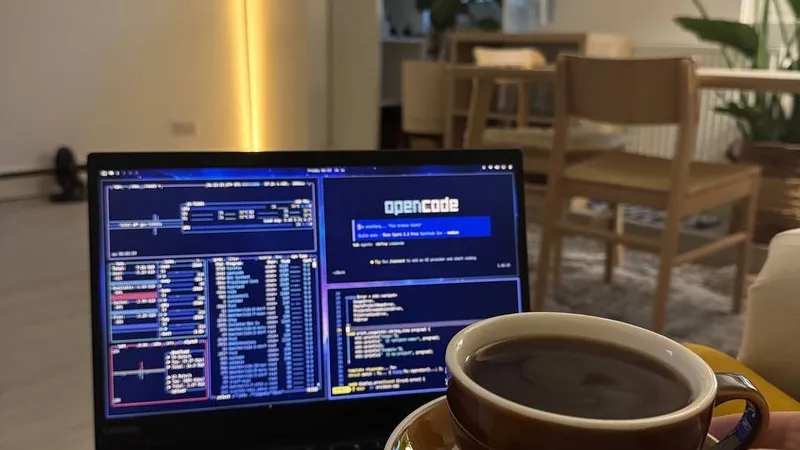
I've been using Omarchy for a week, and here's my full honest review.It's an OS that made me excited about computers again.I was planning to play with it for only a couple of hours. But I find myself spending more and more time using it. It's so pleasant to use that I don't want to go back.Omarchy is a chef's special. And you can say that all the ingredients, like Arch, Hyprland, OpenCode, etc., existed long before, so you could always make it for yourself (not really true; people have built some things specifically for Omarchy from scratch). But someone spending so much time and resources to package everything nicely makes a big difference.The fact that a fully working Omarchy setup is just a couple of minutes away makes a big difference. I can literally install it while I'm brewing my coffee and simply start using it immediately.It just works ™️And then I can spend all the time in the world tinkering with it because it's such a nice experience.You can notice that Omarchy is built by a person who cares about a product. It's not just tech supremacism. Every minor detail matters, and every papercut is taken seriously.As it should be.Even an innocent tiny thing like "pressing an arrow or backspace key moves the cursor a little bit faster" makes a big difference for me. I do feel like the computer matches my speed of thinking and working.Omarchy is not perfect. I had a minor issue with copy/paste keybindings with multiple language layouts (there's an open PR to address that already, and my agent fixed it for me locally). Terminal and browser windows take several noticeable seconds to start on my old laptop in a power-saving mode. My agent broke my theme once when I was trying to be too experimental with it (but then it easily reverted it to a working state).But honestly, this is nothing compared to how bad Windows and macOS can be in areas that matter.Omarchy will get better. Substantial resources are put into it, and I trust the @DHH vision to make it even better.My biggest genie wish for now is having a better file browser, e.g. a TUI version of Total Commander or Far Manager style. But I've already seen someone working on a similar thing, so I have high hopes.I just can't believe my oldest and least powerful laptop in my home is the machine I'm the most excited to use.
 Ravi Vasavan@ravivasavan · Sep 6
Installed Omarchy on my PC, went as far as wiping any traces of Windows from it. It truly is opinionated and I love that agents are considered native, setting it up has been fun and plugging in all of my go-to's were super easy. Hats off to @dhh and all involved.
 Elvinas Predkelis@predkelis · Jul 2
All right, Omarchy is quite something. It's been a while back since I've last used Linux as a daily driver. But Omarchy is a breeze - snappy, intuitive and a joy to use.Some personal tweaks here and there, adding Ghostty and it's a dream machine. Thank you @dhh 🙏
 l0gicgate@l0gicgate · Aug 30
I was using Manjaro and almost everything was broken in the distro. Omarchy just works out of the box and is more polished than other distros out there. Also wanted hyprland already setup for me. Been mainlining it for 425 days now. Love it.
 David@D_av_id_ · Aug 31
Posting this from Omarchy Quattro on my 2012 Mac Mini1. I love it 2. Omarchy runs circles around macOS itself on this machine, which had become entirely unusable
 Brodie Robertson@BrodieOnLinux · Aug 31
It is funny to me how much mental energy is being spent trying to find vulnerabilities in Omarchy as a dunk on the project inadvertently making it way more secure than it would have been if left alone.
 The Lunduke Journal@LundukeJournal · Aug 24
I see a lot of activists attacking Omarchy Linux for getting $8 Million in donations to fund its new Foundation.“Omarchy is compromised!”, they exclaim. “It’s for billionaires… it’s not for the people! It’s Oligarchy Linux.”This is, quite frankly, retarded.Who funds Fedora? IBM (and their multi-billion dollar subsidiary, Red Hat).Who funds the Linux kernel? Microsoft, Meta, Amazon, IBM, and a bunch of other Billion dollar corporations (often run by billionaires). All directly funding and controlling a quarter billion dollar per year trade organization.If “Omarchy is compromised… it’s Oligarchy Linux!”… then so is Fedora. And absolutely every system which uses the Linux kernel. Without exception.Yet we see this “3 generations of inbreeding” level of stupid being spouted all across Mastodon.

Omarchy Core sets the direction, the Security team keeps your system safe, Design shapes how it looks and feels, and the Rangers help others find their way.




















The billionaires, mere millionaires, and corporations funding the lion's share of the development, maintenance, and spread of Omarchy.
Get together with others who love computers as much as you do. Share plugins, present work, and help newcomers into the community.

· San Donà di Piave

· Bengaluru
· Providence

· 東京都

· Budapest


· Seoul, South Korea


· Newcastle upon Tyne

· Ìbàdàn

· Atlanta

· Miami

· Miami

Don't see a meetup in your city? Start your own.
Command your agent, and hang out with the people doing the same.
Daily chatter, support, and show-and-tell with thousands of Omarchs.
Join the serverOmarchy meetups are popping up around the world. Find one near you, or start one.
Find a meetupFile issues, fix bugs, and submit features.
Contribute on GitHubHelp fund the people and projects making Omarchy better for everyone.
Become a patron